 eSIM Today
How to Install & Activate an eSIM on Android (2026)
By eSIM Today Editorial4 min read
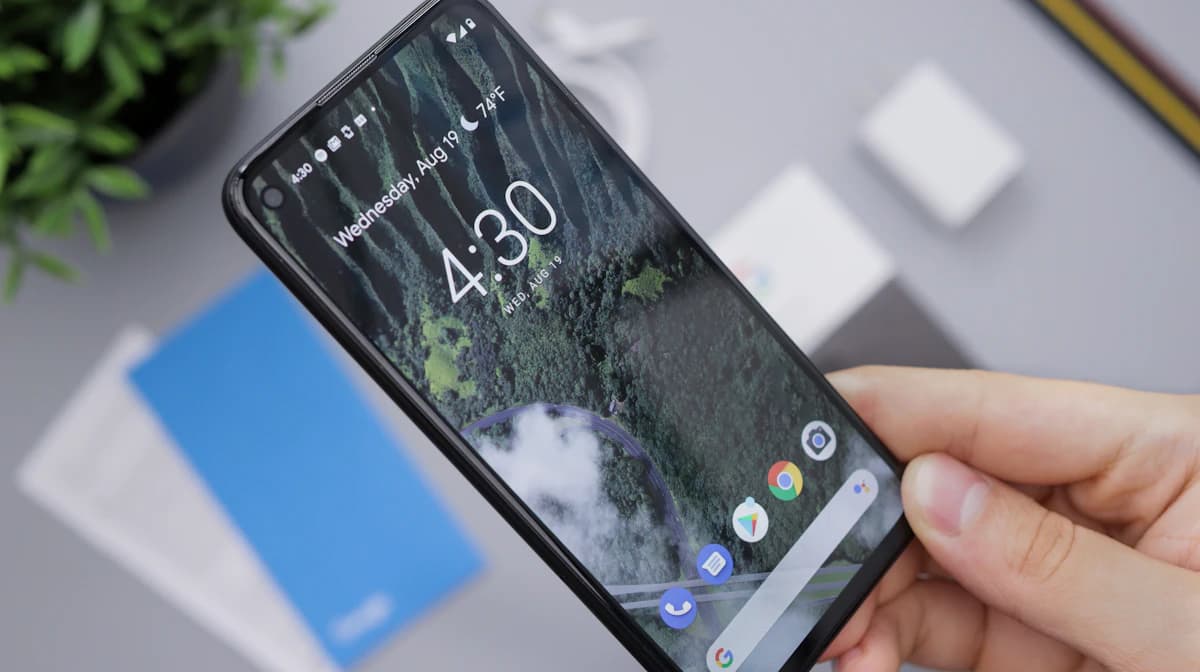
Setting up a travel eSIM on Android is quick, but the exact menu names vary by manufacturer and Android version. This guide gives you the general path that works on most phones, plus specific notes for Samsung Galaxy and Google Pixel — the two most common families — and how to fix a connection that won't come up.
A note on Android menus: Samsung, Google, Motorola, OnePlus and others each label settings a little differently. Where your phone's wording differs, look for anything that mentions SIM, eSIM, or Mobile network / Add plan — it's the same feature.
Before you start
- Check your phone supports eSIM. Most Pixels (Pixel 3 and later, excluding a couple of early variants), recent Samsung Galaxy S/Z/Note models, and many newer mid-range phones do. The reliable test: open your SIM settings (below) and see if an "Add eSIM" / "Download a SIM instead?" option appears.
- Make sure your phone is carrier-unlocked. A phone locked to a home carrier may reject a new eSIM.
- Connect to Wi-Fi. You need internet to download the eSIM profile — do this at home before your trip.
Keep your eSIM Today confirmation handy for the QR code or manual activation details.
Method A — Install with a QR code (most phones)
- Open Settings → Network & internet → SIMs (Pixel) or Settings → Connections → SIM manager (Samsung).
- Tap Add eSIM / Add mobile plan / Download a SIM instead?
- When prompted, choose to scan a QR code.
- Point the camera at the QR code from your eSIM Today confirmation.
- Tap Download / Activate and wait about a minute for the profile to install.
Method B — Install manually (activation code)
If you can't scan a code:
- Reach the Add eSIM screen as above.
- Tap Enter it manually / Need help? and choose manual entry.
- Enter the activation code (the SM-DP+ address and code) exactly as shown in your confirmation.
- Tap Continue / Download to install the plan.
Set the travel eSIM as your data SIM
After the eSIM installs, tell Android to use it for data:
Ready to get connected?
Browse travel data plans for 190+ destinations — installed in minutes, no physical SIM.